
Applies to
Applies to iPhone and iPad. Make sure Shadowrocket is installed and your UnicornCROSS service is active.
1. Open service details
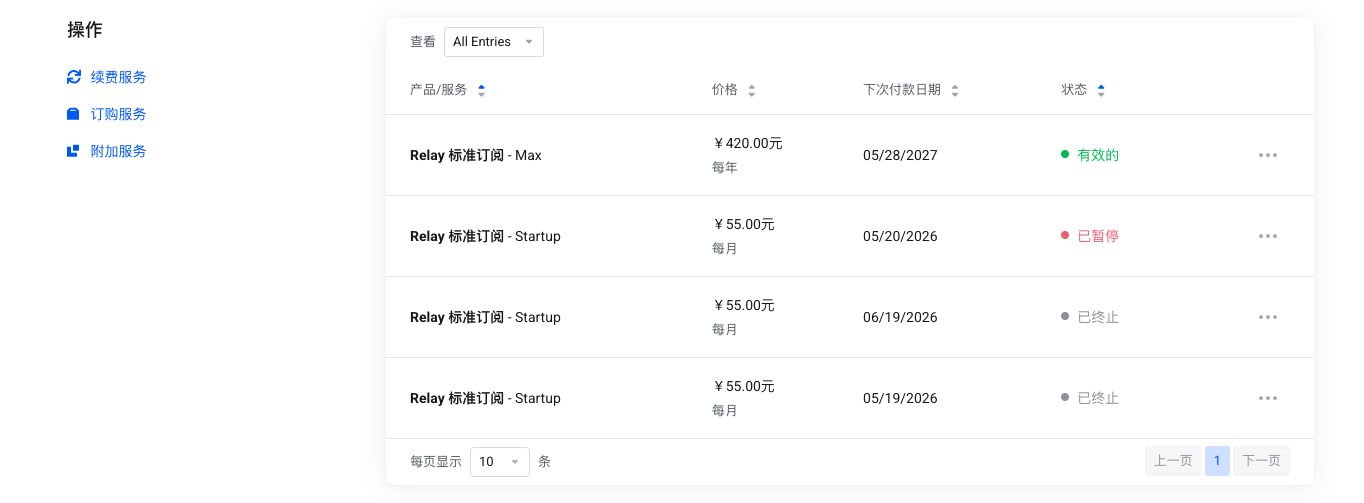
Sign in to the client center, open Product Services, find an active Relay service, then select View Details or Manage.
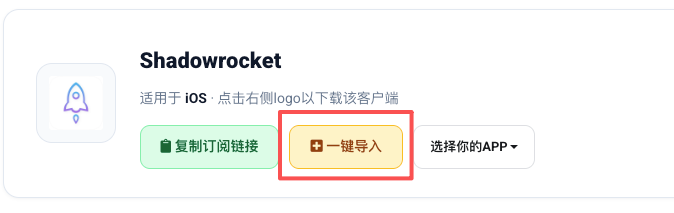
The service details page includes connection actions such as Copy subscription link, one-click import, and app selection.
2. Choose Shadowrocket
In the connection area, choose Shadowrocket from the app selector. If it is not visible, copy the subscription link and import it manually.
If iOS does not prompt you to open the app, access the client center from Safari and try again.
3. Enable the connection
Choose a node and turn on the Shadowrocket connection switch. On first use, iOS will ask to add a VPN configuration. Allow it and complete system verification.
If a node is unavailable, update the subscription first, then switch to another region. IPv6-labelled lines require IPv6 support on your local network.